
Pro Plumbers · 24 November 2026
Smart thermostats explained for homeowners
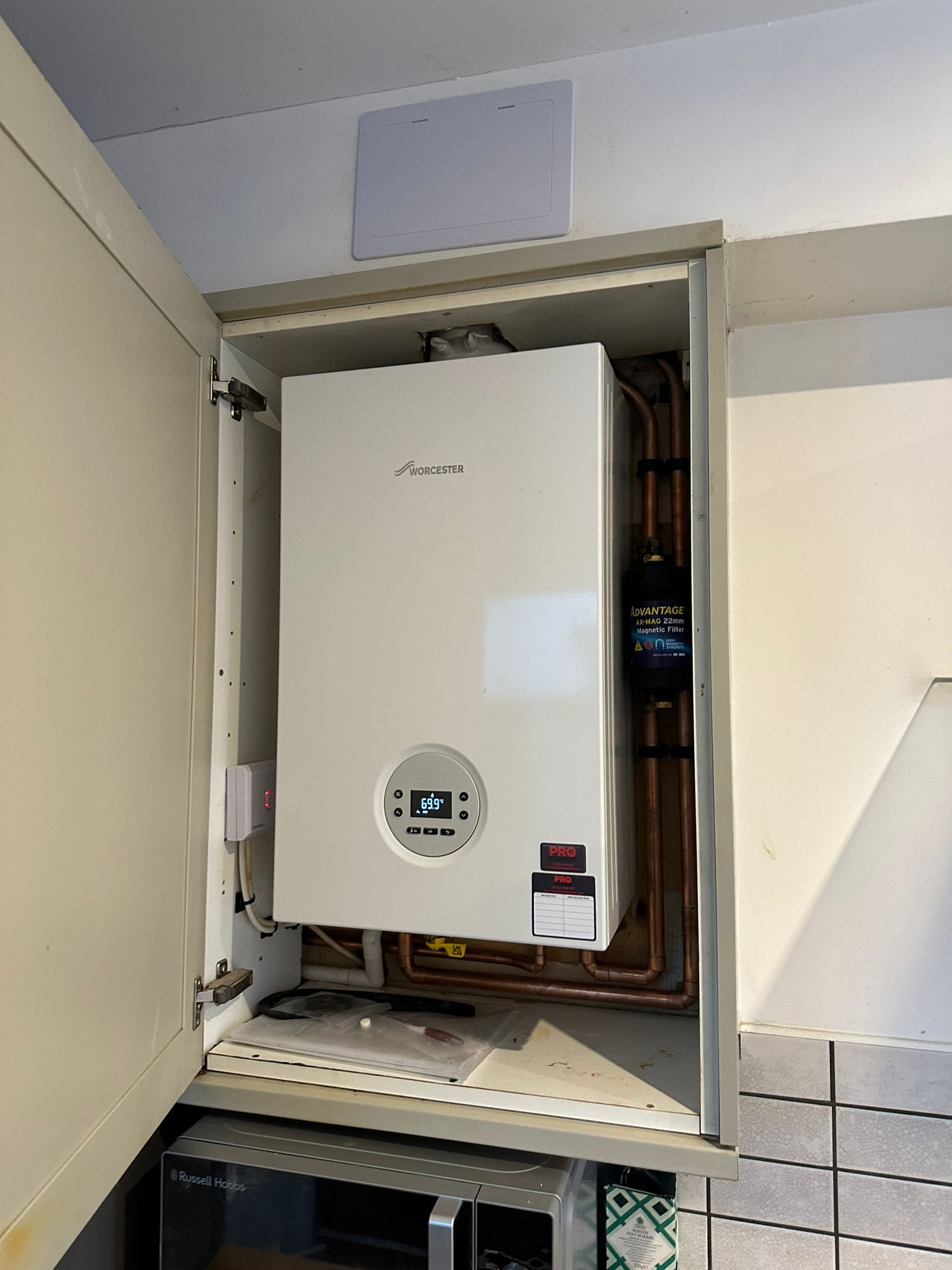
A smart thermostat lets you control your heating from a phone app as well as from a unit on the wall. You can change the temperature on the way home, set different schedules for weekdays and weekends, and in many cases see how long the heating has been running. For people with irregular routines, that flexibility is the main attraction.
This guide explains what these controls actually do, how they compare with a traditional room thermostat and programmer, the compatibility questions to answer before buying, and the faults that can look like a thermostat problem but are not.
Standard thermostat versus smart thermostat
A basic room thermostat measures the air temperature in one spot and switches the boiler on when the room falls below the setting and off when it is reached. A programmer or timer decides which hours the heating is allowed to run. Together they do the job, but changing anything means walking to the wall.
A smart thermostat combines both roles, connects to your home Wi-Fi and adds remote control. Some models learn your habits, use your phone location to tell when the house is empty, or work with individual smart radiator valves to run different rooms on different schedules.
What it can and cannot change
A smart control can help you avoid heating an empty house and make it easier to keep to a sensible schedule. How much difference that makes depends entirely on how you lived before. If you already used a timer carefully, the change may be small.
It cannot make an inefficient or faulty boiler work better, fix cold radiators or overcome a system full of sludge. If the heating itself struggles, sort that out first.
Checking compatibility with your boiler
Most smart thermostats work with most modern gas boilers, but the details matter. Some boilers use a simple on and off signal, while others can modulate their output through a communication protocol, and a matching thermostat can take advantage of that. Some manufacturers make their own app-connected controls designed for their boilers.
You also need to know whether you have a combi, which makes hot water on demand, or a system or regular boiler with a cylinder, because controlling stored hot water needs a thermostat that handles both. The model number on your boiler and the existing wiring tell an installer what will work.
What installation involves
Fitting usually means isolating the electricity to the heating controls, removing the old thermostat and programmer, wiring in a receiver near the boiler and mounting the new wall unit or stand. The receiver and boiler wiring are mains voltage, and the work has to be done safely and correctly to suit the boiler's connections.
Afterwards the unit is paired with your Wi-Fi and phone, and schedules are set. It is worth having the installer show you how the override and holiday modes work before they leave.
Where to put the thermostat
Placement makes a big difference. A thermostat in a cold hallway next to the front door will keep the heating running long after the living room is warm. One mounted above a radiator, in direct sun or next to an oven will switch off too early. An inside wall in a regularly used room, away from draughts and heat sources, usually gives the most sensible reading.
Wireless models give more freedom here, since the wall unit no longer needs to sit where the old cable came out.
Smart radiator valves
Some systems pair the thermostat with app-controlled radiator heads that replace the standard thermostatic valves. That lets bedrooms stay cooler in the day and warm up at night, for example. They only fit valve bodies of a compatible type, so check first. Our guide to radiator valves explains the different kinds you may already have.
When it is not the thermostat
If the heating will not come on at all, the thermostat is only one suspect. A boiler fault, low pressure, a failed pump or a stuck motorised valve can all look the same from the sofa. Check the boiler display for a fault code first. Our article on whether no heating is an emergency helps you decide how quickly to act.
Flat batteries, a dropped Wi-Fi connection or a receiver that has lost its pairing are the most common smart control hiccups, and the manufacturer's app usually guides you through re-pairing.
Getting the most from the schedule
Once installed, spend a little time setting realistic schedules. A common mistake is setting very high temperatures to warm the house faster; most heating systems warm up at the same rate whatever the target, they just keep going for longer. Lower, steadier settings with heating timed to start before you get up or come home usually feel more comfortable.
Review the schedule when the seasons change and when routines shift, such as school holidays or working from home. Holiday modes are useful for keeping the house above freezing while you are away without heating empty rooms to full comfort.
Before buying, it is worth writing down what you want the control to do. If you mainly want to switch the heating on from your phone, a simple app-connected thermostat is enough. If you want room-by-room schedules, you need a system that supports smart radiator heads, and that costs more. If you rent, ask your landlord before replacing any controls, because the heating system belongs to them.
Getting a thermostat fitted or fixed
We fit and repair heating controls through our thermostat repair service, and we can advise on controls when you book a heating engineer or a new boiler installation. Call 01732 444555 or use our contact page. Our minimum charge is £90 + VAT, including the first hour on site.