
Pro Plumbers · 24 November 2026
Why does my heating programmer keep losing the time?
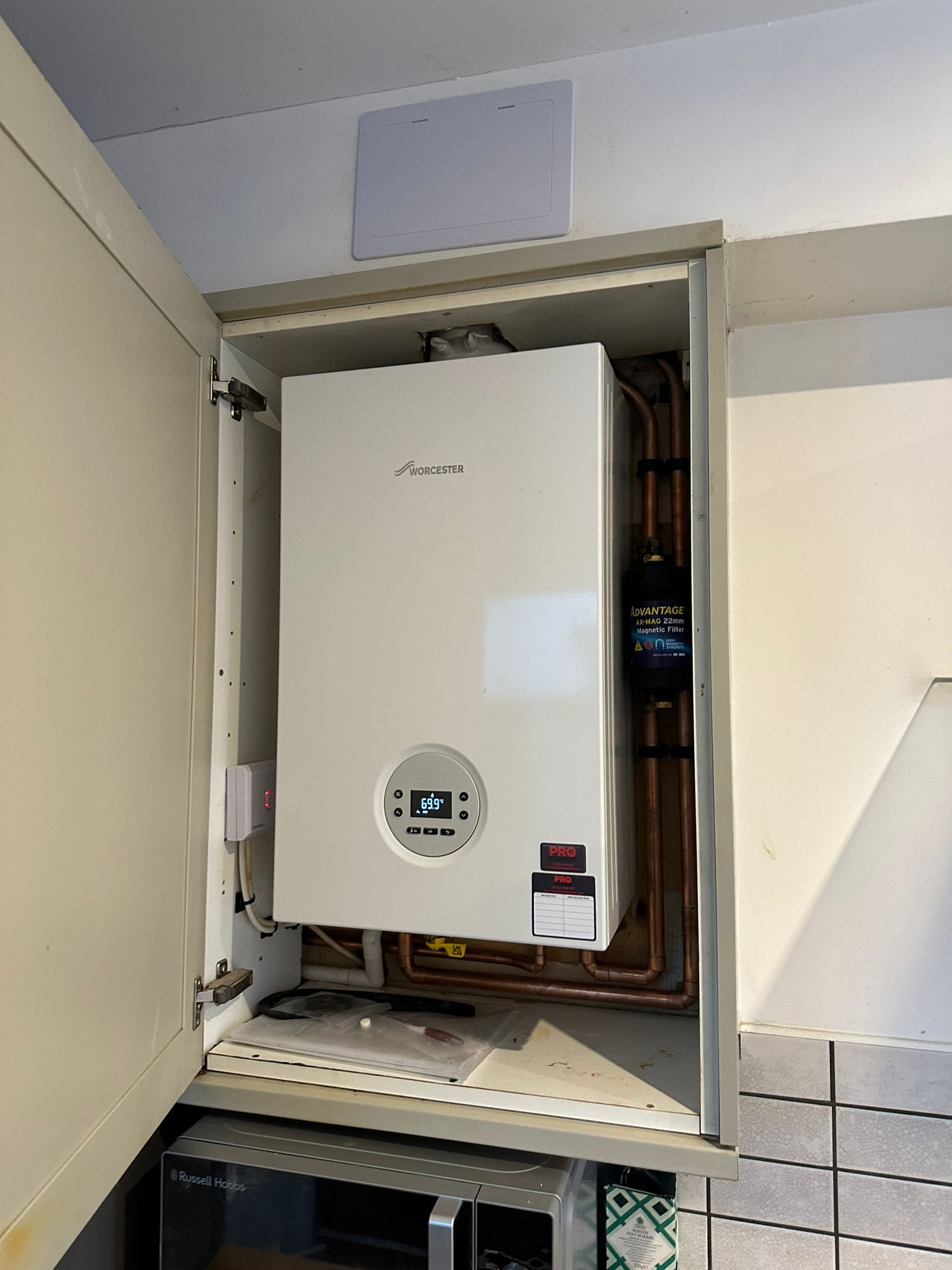
A heating programmer that repeatedly returns to the wrong time can make the boiler seem unpredictable. The schedule may still be stored but operate against an incorrect clock, or the programme itself may also be lost. Those are different faults. Correcting the screen each morning does not explain why the device fails to retain its information.
This guide is about recurring time or programme loss, not how to choose a heating schedule or reset a locked-out boiler. The programmer might be a separate wall unit, part of a control package or an integrated user control. Identify the exact device before using instructions for another timer that merely looks similar.
Separate a wrong clock from a missing programme
Check the current time displayed and the scheduled periods using only the normal user menu. Record whether the clock has returned to a default value, is gradually drifting or has shifted after an expected seasonal time change. Then note whether the saved periods still exist or have returned to their original settings as well.
These observations help distinguish timekeeping from programme retention and normal automatic adjustment. Do not create a factory reset to test what it erases. Photograph the existing screen and user settings before making any permitted correction. A record of what was lost is more useful than a control restored to defaults with no information about its earlier behaviour.
Identify which device is providing the schedule
A room thermostat, programmer, receiver and connected app can each show time or demand information. They may not all perform the same scheduling role. Changing the time on one screen may leave the actual heating schedule controlled elsewhere. An apparent disagreement can therefore be a setup question rather than failure of every device.
Use the system documents and model labels already visible. Our smart thermostat guide explains broader connected-control arrangements. Here, focus on which device loses information and whether the other displays remain correct. Do not remove a wall control from its base to read wiring or reach hidden labels if the owner instructions do not describe safe access.
Record the relationship with power interruptions
Some controls depend on their power supply and have a model-specific way of retaining the clock and programme when power is interrupted. If time loss follows a household interruption, note whether other appliances also reset. If the programmer loses time while other equipment behaves normally, that different pattern is worth reporting.
Do not deliberately interrupt the supply repeatedly to test retention. Repeated outages or unexplained tripping need assessment, especially if there is heat, a burning smell or damage at electrical equipment. A boiler isolator should not be used as an experimental timer reset. Keep the record factual: when the control reset, what else changed and whether it then remained powered or went blank again.
Battery advice must match the exact control
Some devices have owner-replaceable batteries, while others use a different power and backup arrangement. A battery compartment on a room thermostat does not prove that a separate programmer has the same feature. The manual should identify whether battery replacement is a normal user action and how it affects stored settings.
Follow that procedure only where it applies, with the specified battery type and orientation. Do not open sealed cases to find a backup cell or attempt to replace a component on a circuit board. If the display remains blank or resets after an appropriate permitted battery change, record that result. It is evidence for further investigation, not a reason to keep trying assorted batteries or forcing the casing open.
Automatic time updates can complicate the symptom
Connected controls may obtain time through their own service or configured region, while other programmers rely on manual entry or an internal clock. A seasonal adjustment or time-zone setting can explain a consistent shift without explaining repeated total programme loss. Keep the precise discrepancy separate from the heating behaviour that follows it.
Check only the user settings available in your model's instructions. Do not change network security or installer parameters to imitate a different control. If an app and wall display disagree, photograph both while keeping account details private. A connectivity problem and a failed clock-retention function are not automatically the same issue, even when both become noticeable after a power interruption.
Manual changes may conceal the original pattern
Frequent overrides can make it difficult to tell whether a wrong clock caused unexpected heating or another control is creating demand. Record whether heating starts at the wrong displayed time, whether it operates in manual mode and whether hot water scheduling is also affected. Do not assume all demand errors originate in the programmer.
Our guide to heating coming on unexpectedly addresses that separate symptom. Keep its diagnosis separate from clock loss. Avoid repeatedly resetting the boiler when the timer itself is losing time: a boiler reset addresses a different appliance function and can erase useful fault context without restoring the programmer's ability to retain its settings.
Controls assessment should consider compatibility
If replacement becomes appropriate, the new device needs to suit the heating and hot water arrangement and communicate with the existing equipment as intended. A similar-looking screen or matching number of buttons does not establish electrical or system compatibility. Replacing only one part of a paired control arrangement may also need specific setup.
Our thermostat repair service and heating engineer page are relevant to control enquiries. Leave wiring and backplates unchanged. The cause could involve the device, its supply or its configuration, so selecting a new programmer before assessment can leave the original problem intact while introducing an unsuitable control.
Provide a short history instead of another reset
Keep the model reference, approximate installation history if known and photographs of the current screen. Describe whether the problem began after a power interruption, battery change or control replacement. State whether the programme survives and whether the error is a constant shift, gradual drift or return to a default display.
Contact Pro Plumbers about recurring programmer time loss, or call 01732 444555. Include the visible symptom and any electrical warning signs, not passwords or exposed terminal photographs. That allows the discussion to focus on the control actually losing information. Use only the owner's permitted settings while awaiting advice, and do not treat repeated re-entry of the clock as confirmation that the underlying fault is harmless.